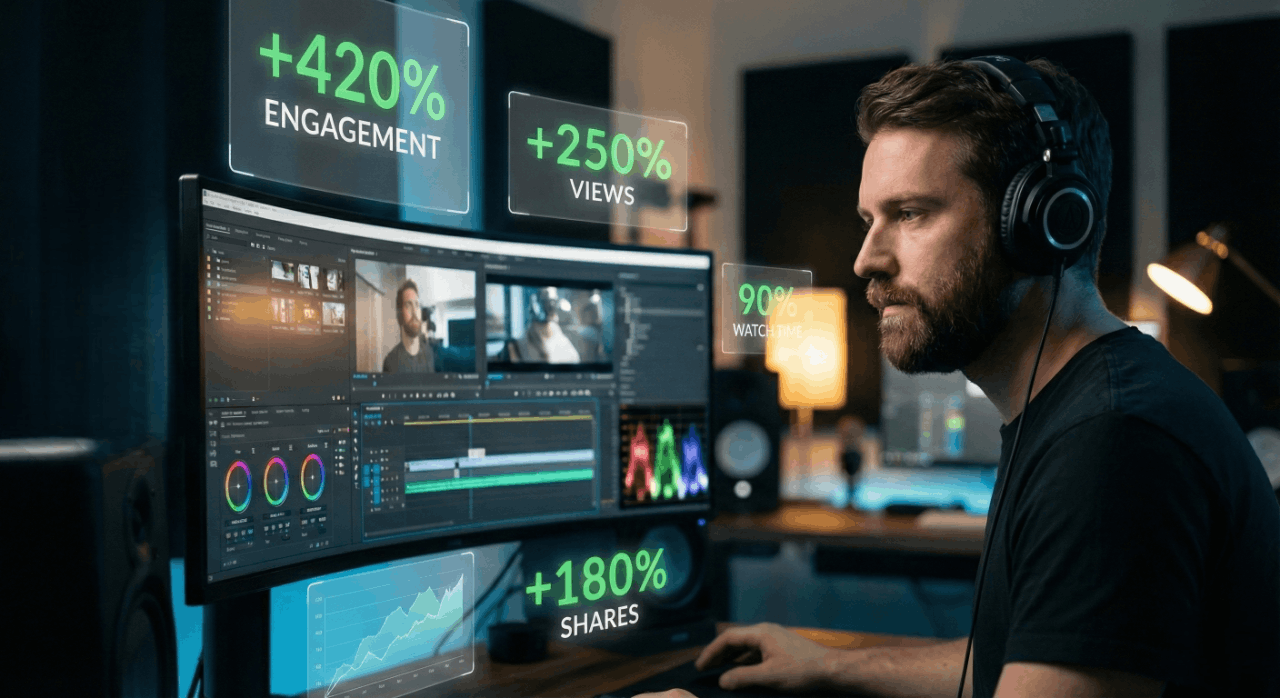
Why Video Editing is the #1 Growth Hack for Social Media Right Now
Why Video Editing is the #1 Growth Hack for Social Media Right Now
8 min read
8 min read
Video is no longer just a "part" of social media—in 2026, video is social media. With over 80% of all internet traffic now being video-based, the difference between a viral sensation and a ghost town page often comes down to one thing: editing.
Whether you're a creator building a brand or a business looking for sales, understanding the "edit" is your secret weapon. Here is a breakdown of how video editing is driving growth today.
Modern viewers scroll fast. You have roughly 1 to 3 seconds to stop them. Professional editing allows you to use dynamic hooks—bold text, a surprising visual, or a "pattern interrupt"—to grab attention immediately.
The Jump Cut: Removing "ums," "ahs," and long pauses keeps the energy high.
Visual Hooks: Starting with the most exciting part of the video first (the "result") before showing the process.
Did you know a huge percentage of users watch videos with the sound off? If your video doesn't have captions, you’re losing half your audience.
On-Screen Text: Highlights key points and keeps silent viewers engaged.
SEO Boost: Search engines and social algorithms (like TikTok and Instagram) now "read" your captions and on-screen text to understand what your video is about, helping you rank in search results.
Raw footage can be boring. Editing allows you to overlay B-roll (extra footage, photos, or stock clips) to illustrate what you are talking about. This keeps the viewer’s brain active and prevents "boredom scrolling."
The Rule of Thirds: Good editing ensures your subject is framed perfectly to look professional.
Color Grading: Giving your videos a consistent "look" or "vibe" helps in building a recognizable brand identity.
Benefit | How Editing Achieves It |
|---|---|
Higher Reach | High retention signals the algorithm to "push" the video. |
Better Loyalty | A consistent "look" makes people want to hit the follow button. |
More Conversions | Clear "Call to Action" (CTA) graphics tell people exactly what to do next. |
In 2026, you don't need a Hollywood budget. AI tools now help creators:
Automatically generate captions.
Find the best "viral" moments in long-form videos to turn into Shorts or Reels.
Clean up background noise so your audio sounds like it was recorded in a studio.
Pro Tip: While AI handles the grunt work, the "Human Touch" is what builds trust. Use AI for speed, but keep your storytelling authentic and personal.
A video without a Call to Action (CTA) is a wasted opportunity. Modern editing uses "End Screens," pop-up buttons, and visual cues to tell the viewer exactly what to do next: Follow, Buy, or Comment.
If you're ready to start growing, check out these industry-standard tools:
For Mobile: CapCut is the go-to for trending TikTok transitions.
For Professionals: Adobe Premiere Pro offers deep control for YouTube growth.
For Colorists: DaVinci Resolve is the gold standard for cinematic looks.
Video editing is the bridge between a "nice idea" and a "successful brand." You don't need to be an expert on day one. Start by trimming the fluff, adding clear captions, and focusing on a strong hook.
Ready to actually grow your page?
We are here to help you figure out a real plan for your next video—no fluff, just what works. We can also point you toward some great free tools so you can start editing like a pro today.
Want us to put together a simple 30-day plan for your niche to get us started?